
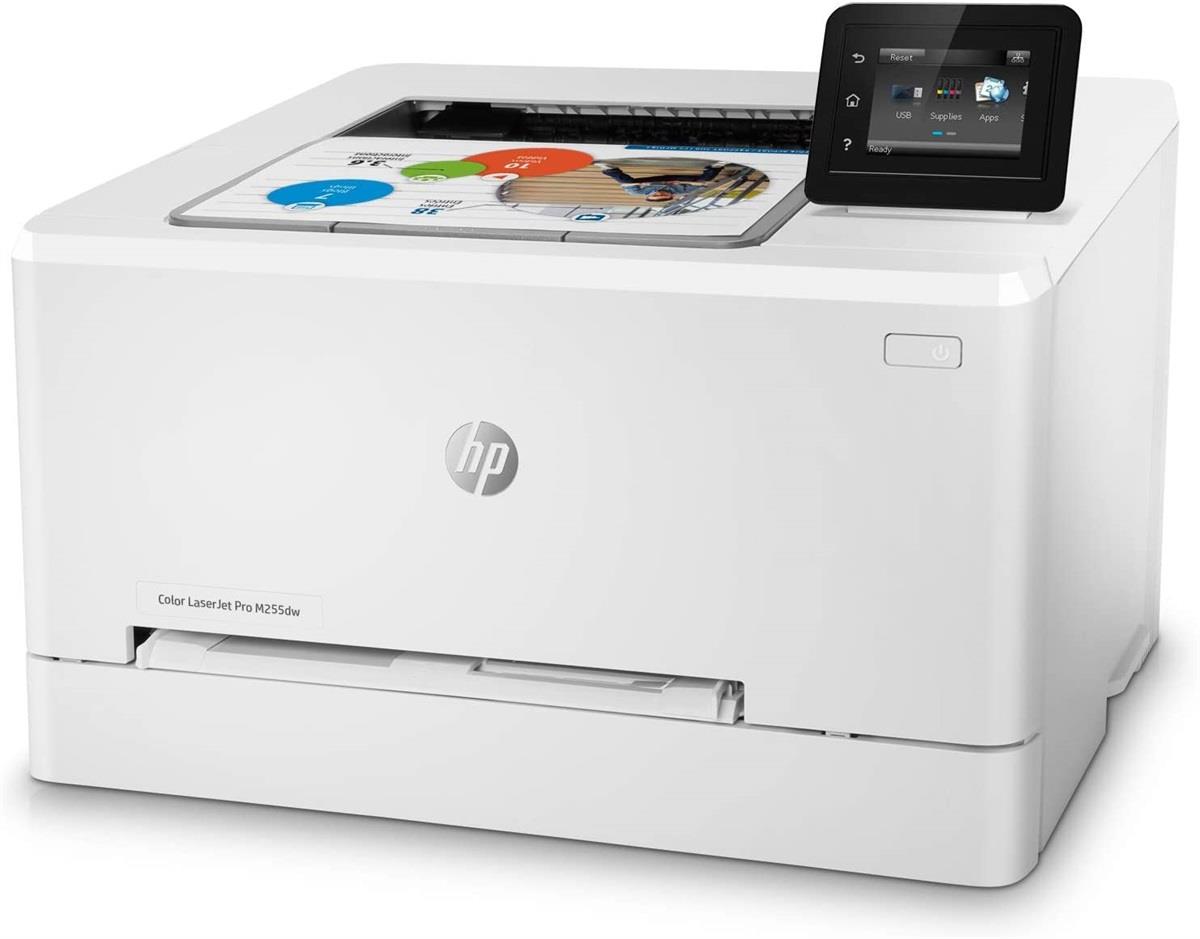
In today’s visually driven world, choosing the right color printer can significantly impact everything from everyday tasks to professional projects. Whether you’re printing photos, marketing materials, or school assignments, the right printer ensures vibrant results, cost-effectiveness, and long-term reliability. However, with a wide range of models and color label printer features on the market, making the right choice can feel overwhelming. Understanding the basics of printer types, usage needs, and key features is essential for making an informed decision.
First, it’s important to understand the two main types of color printers: inkjet and laser. Inkjet printers spray tiny droplets of ink onto paper and are generally better at producing rich, detailed color images, making them ideal for photo printing and creative tasks. Laser printers, on the other hand, use toner powder and heat to fuse images onto paper. They tend to be faster and more cost-efficient for high-volume printing, especially for documents with graphics or charts. Your primary printing needs will help determine which technology suits you best.
Next, consider the print volume and frequency. If you print occasionally—perhaps for schoolwork or occasional photos—a basic home inkjet printer may be sufficient. However, if you run a home office or small business that demands frequent, high-volume printing, an all-in-one printer or a color laser model with high-duty cycles and low cost-per-page becomes more important. Some printers, like Epson’s EcoTank series, are designed with large ink reservoirs that require fewer refills and offer significant savings over time.
Another major factor is print quality and color accuracy. If your work involves visual detail—like photography, graphic design, or art—opt for printers that support higher resolutions and use multiple color cartridges (e. g., additional cyan, magenta, and photo black). These models provide a wider color gamut and finer detail. Conversely, for standard text documents with minimal graphics, print resolution matters less, and a simpler printer will suffice.
Don’t overlook connectivity and convenience features. Wireless printing, mobile app support, and cloud integration are now standard on many mid-range and premium printers, offering greater flexibility for printing from phones, tablets, or laptops. Touchscreens, voice control (via Alexa or Google Assistant), and automatic duplex printing (double-sided) can significantly streamline your workflow. Depending on your space and workflow, you might also want features like an auto-document feeder, fax capabilities, or borderless printing.
Finally, factor in long-term costs and environmental impact. The initial price of a printer can be misleading if the ongoing cost of ink or toner is high. Look into page yield and cartridge cost to estimate long-term expenses. Refillable ink systems, high-yield toner cartridges, and subscription ink services can reduce these costs. Also, consider energy-efficient models or those made from recycled materials if sustainability is important to you.
Choosing the right color printer is all about aligning features with your specific needs and budget. By understanding how different technologies work and evaluating your printing habits, you can invest in a printer that not only delivers vibrant results but also offers efficiency and value over time. With the right knowledge, color printing becomes a seamless part of your workflow—bringing ideas, memories, and creativity vividly to life.